Most small businesses do not need a research lab to benefit from AI. They need a few jobs done faster and more consistently: answering customer questions, turning a phone call into a quote, keeping the back office moving. The good news in 2026 is that the patterns for doing this are now well understood, and you can implement them without an engineering team.
This is a practical look at where AI actually earns its keep in a small business, the workflows that work, and how to roll them out without breaking what already works.
The four AI patterns that matter
Nearly every useful small-business AI workflow is built from one of four building blocks. Learn these and you can recognize a good opportunity from a gimmick.
Drafting: the model produces a first version of something a human finishes. Quotes, proposals, replies, job descriptions, social captions. You stay in the loop and approve.
Retrieval: the model answers using your own documents (price lists, policies, past tickets) instead of guessing. This is what makes a support assistant trustworthy.
Automation: a trigger fires a sequence of steps. A form submission creates a CRM record, drafts a follow-up, and books a reminder.
Agents: the model runs a short, bounded task across a few tools and reports back, with a human checkpoint before anything irreversible happens.
Where it pays off: four concrete workflows
1. Lead intake and triage
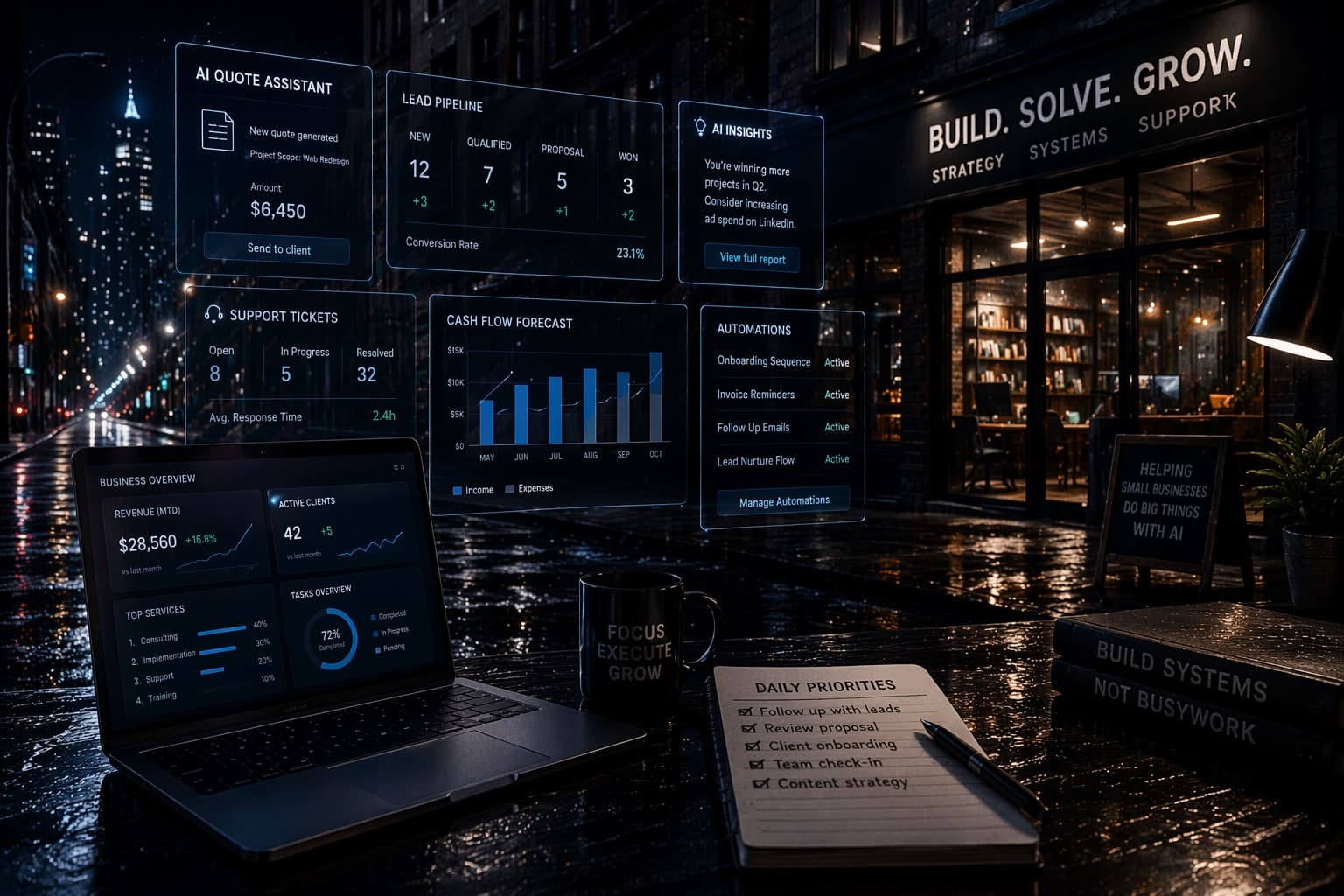
A new inquiry arrives by web form, email, or DM. Instead of letting it sit, an intake workflow reads the message, tags it (new job, existing customer, supplier, spam), drafts a personalized first reply, and logs it in your CRM. The owner approves the reply in one click. The win is response time: leads that get a reply within minutes convert far better than ones that wait until tomorrow.
2. Quoting and proposals
Quoting is where a lot of small businesses lose hours and lose deals to slow turnaround. A drafting workflow takes the customer details and your pricing rules and produces a clean, on-brand quote you review and send. You are not handing pricing decisions to a machine. You are removing the blank-page delay and the copy-paste errors.
3. Customer support that knows your business
Generic chatbots frustrate customers because they make things up. A retrieval-based assistant grounded in your real FAQs, policies, and product details answers accurately and hands off to a human when it is unsure. Used well, it deflects the repetitive questions so your team handles the ones that actually need judgment.
4. Back-office operations
The unglamorous work is often the best target: summarizing meeting notes into action items, reconciling a list, drafting standard operating procedures, turning a messy spreadsheet into a clean report. These tasks are well-defined, repetitive, and low-risk, which is exactly what AI handles reliably.
How to roll it out without the chaos
The teams that succeed treat AI like any other operational change: small, measured, documented.
Pick one workflow with a clear before-and-after. Do not try to automate everything at once.
Write down the steps as an SOP first. If a human cannot follow the process on paper, an AI will not improve it.
Keep a human approval step on anything that touches a customer or money.
Track one number: hours saved, response time, or quotes sent per week. If it does not move, change the workflow.
Teams that do this often free up several hours a week within the first month, not because AI is magic, but because they finally wrote the process down and removed the slowest manual steps.
How DLM helps
DLM Solutions Group builds deployable AI operating systems for small businesses, not one-off tricks. Three are directly relevant here:
DLM SmallBiz AIOps Toolkit (Pro, $79) gives owner-operators a practical AI tool stack, a 60-prompt production library, a 12-SOP library, and an Excel KPI tracker so AI actually gets adopted internally instead of bought and forgotten.
DLM Automation Toolkit (Pro, $79) is a deployable automation operating system: SOPs and prompt patterns for workflow automation across tools like Zapier, Make, and Power Automate, with email and CRM triggers and a 30/60/90 rollout plan.
DLM Claude AI Mastery Course (Lite $49 / Pro $149) turns you and your team into expert-level operators with shipped, repeatable workflows instead of using AI like a toy.
Browse the full catalog at dlmsolutionsgroup.com/toolkits, or get every toolkit together in the Mega Bundle if you want the whole operating system in one purchase.